TracklyLab
Track every expense in seconds - with clear insights into where your money goes.
Open TracklyLabFree · works on any phone · on iPhone, tap Share → Add to Home Screen
Add in seconds
Amount, category, done. Recurring expenses like rent appear by themselves, on the right day.
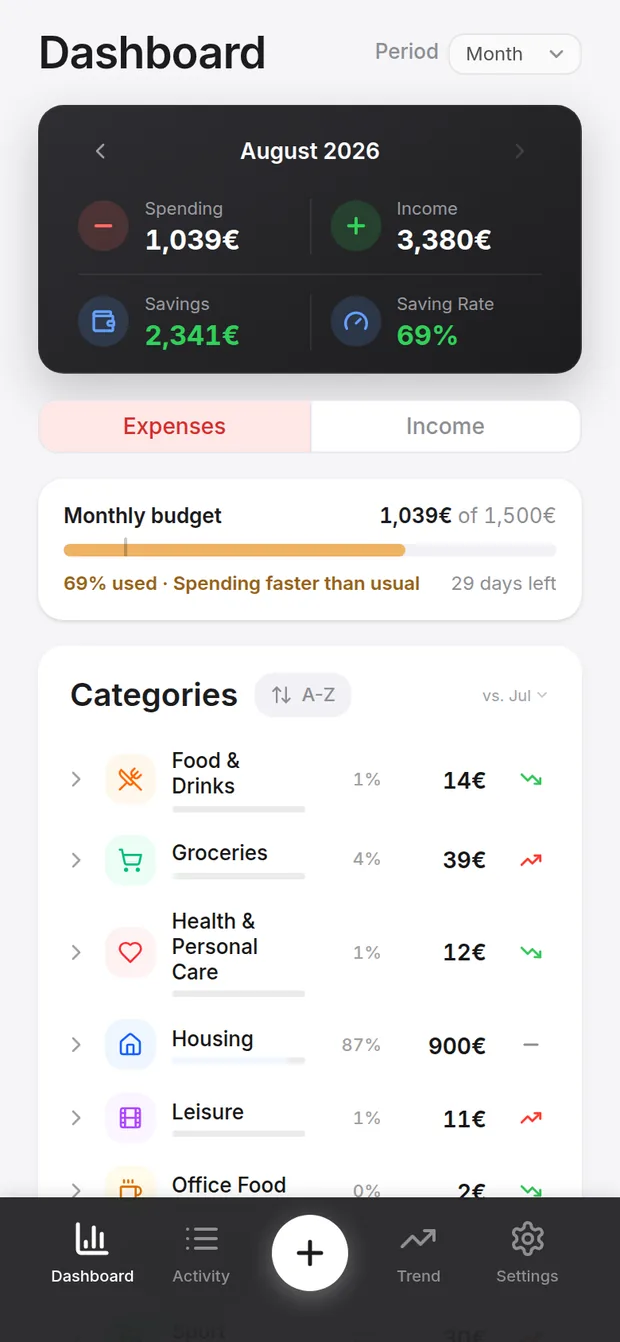
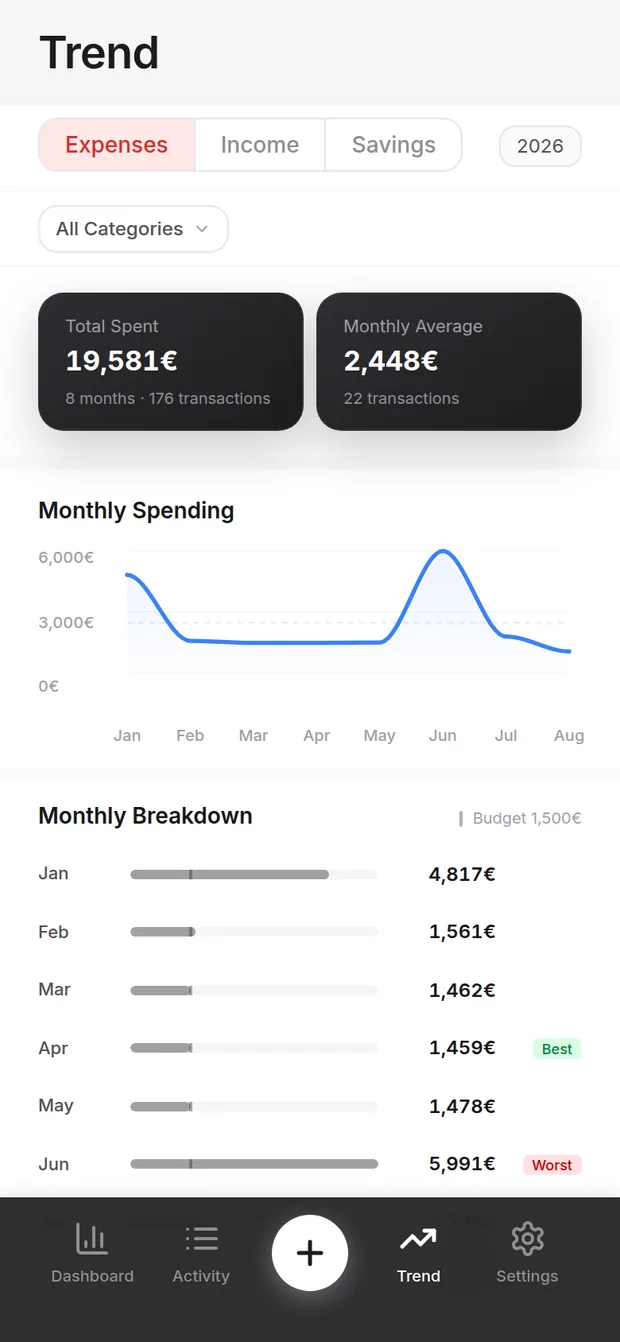
See where it goes
Categories, trends and a budget bar that knows what a normal month looks like for you.
Reads it back to you
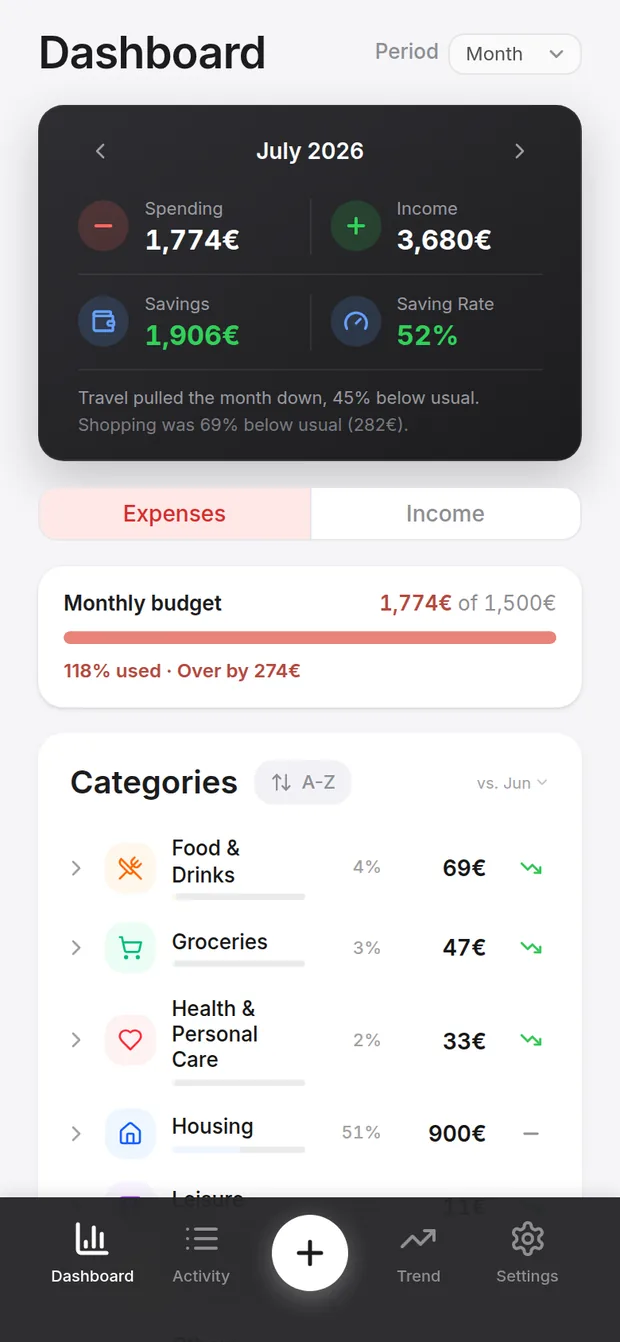
Every finished month gets a plain sentence: what moved, by how much, against your own usual.
Built for travelling
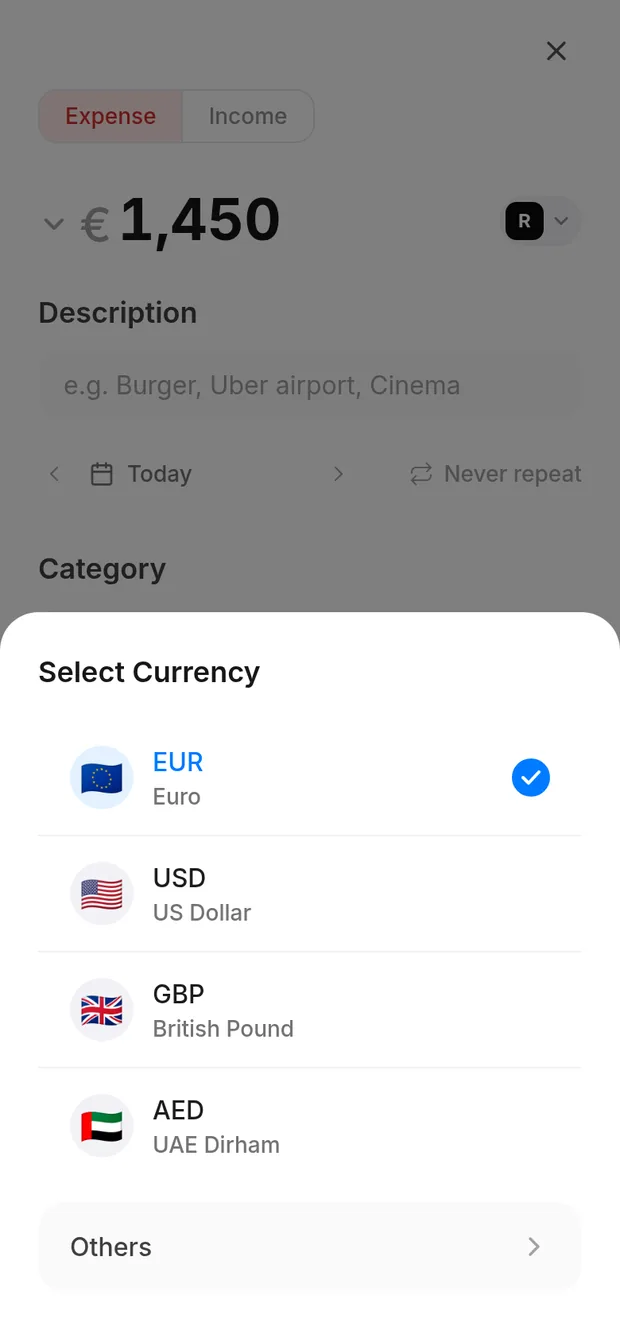
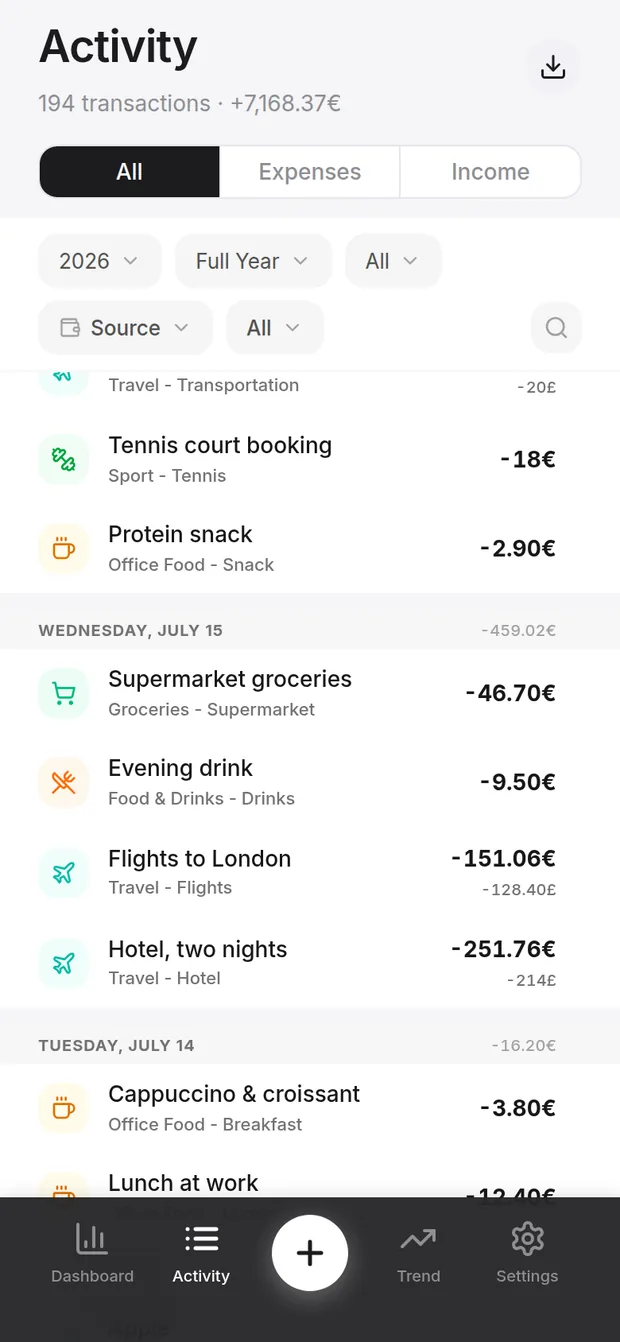
Spend in any of 155 currencies. Each one is converted at the day's rate and locked there, so an old trip keeps the value it really cost you.
Travel pulled the month down, 45% below usual.
Shopping was 69% below usual (282€).
Written by the app, from your own months. No two are the same.
A look inside
Real screens, running on the sample data that ships with the app - load it in one tap and explore before entering anything of your own.
Private by design
Use it without an account and your data never leaves your device. Sign in with Google only if you want backup and sync across devices - and delete everything, anytime, from inside the app. The details are in the Privacy Policy.